
 Build Engine
Decisions before the print starts.
Orientation, supports and slicing — with Fast Heat Simulation built in.
Runs on





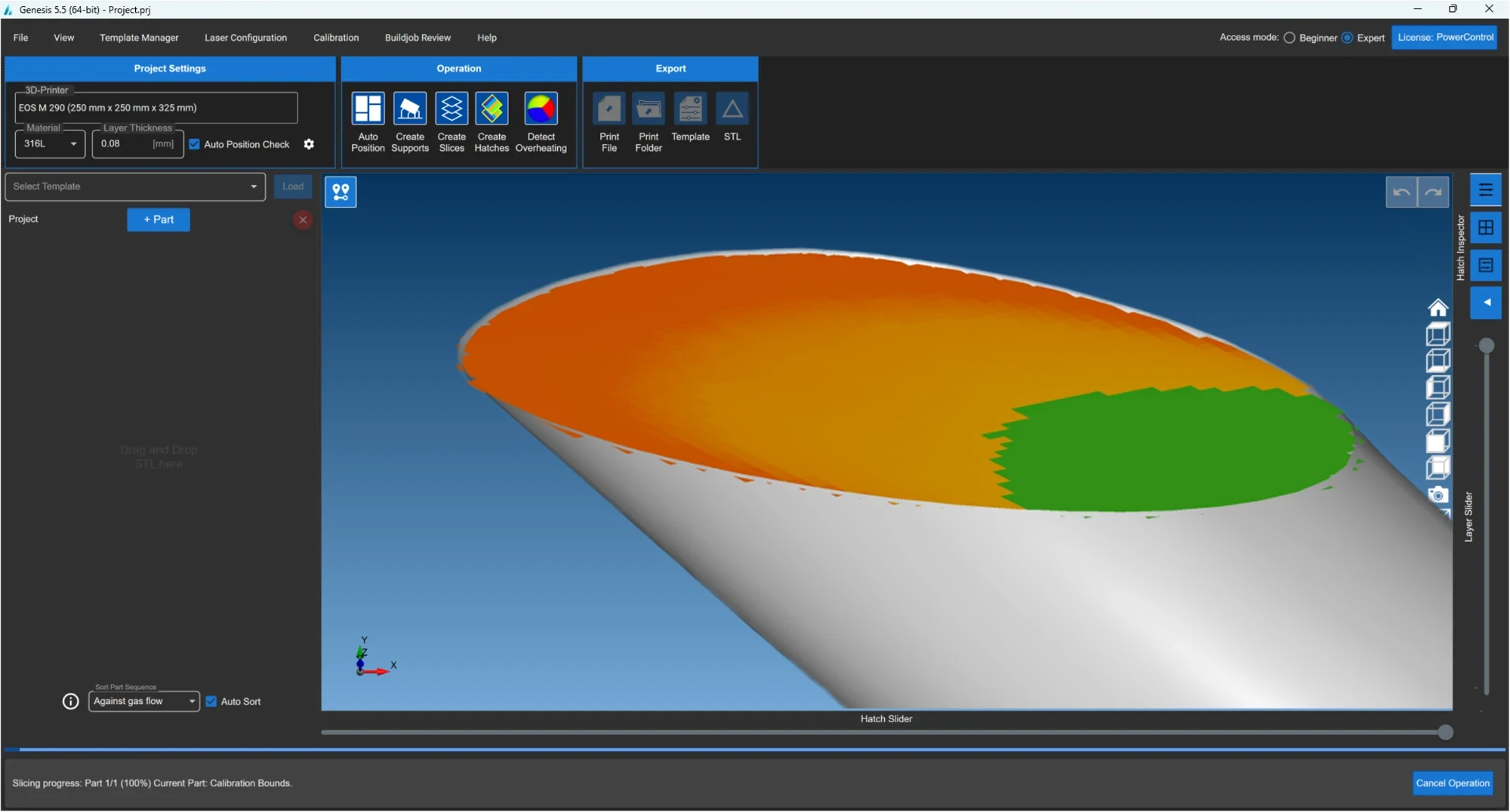
Get the highlights.
Full-part thermal simulation.
In seconds.
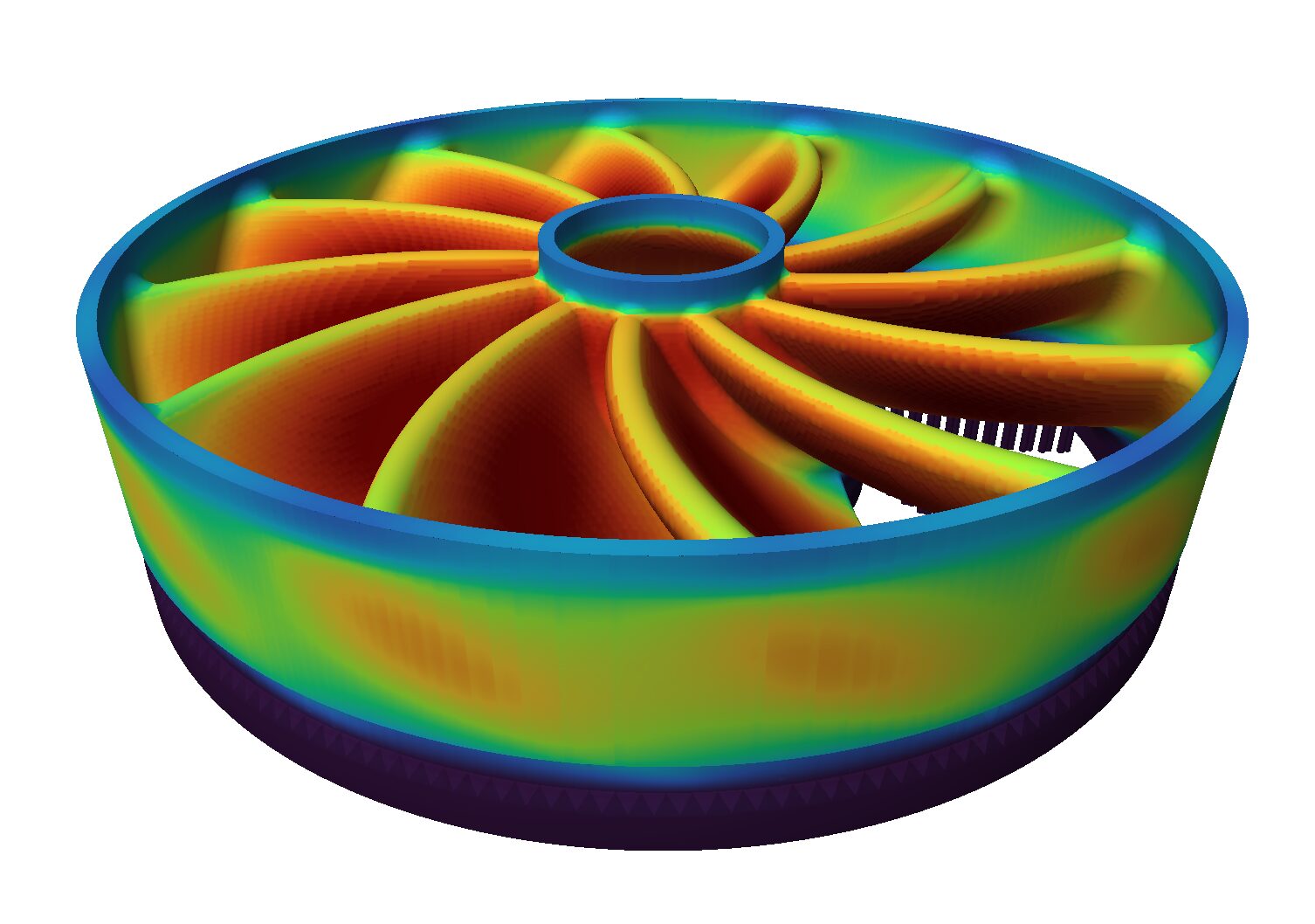
Orientation,
chosen with data.
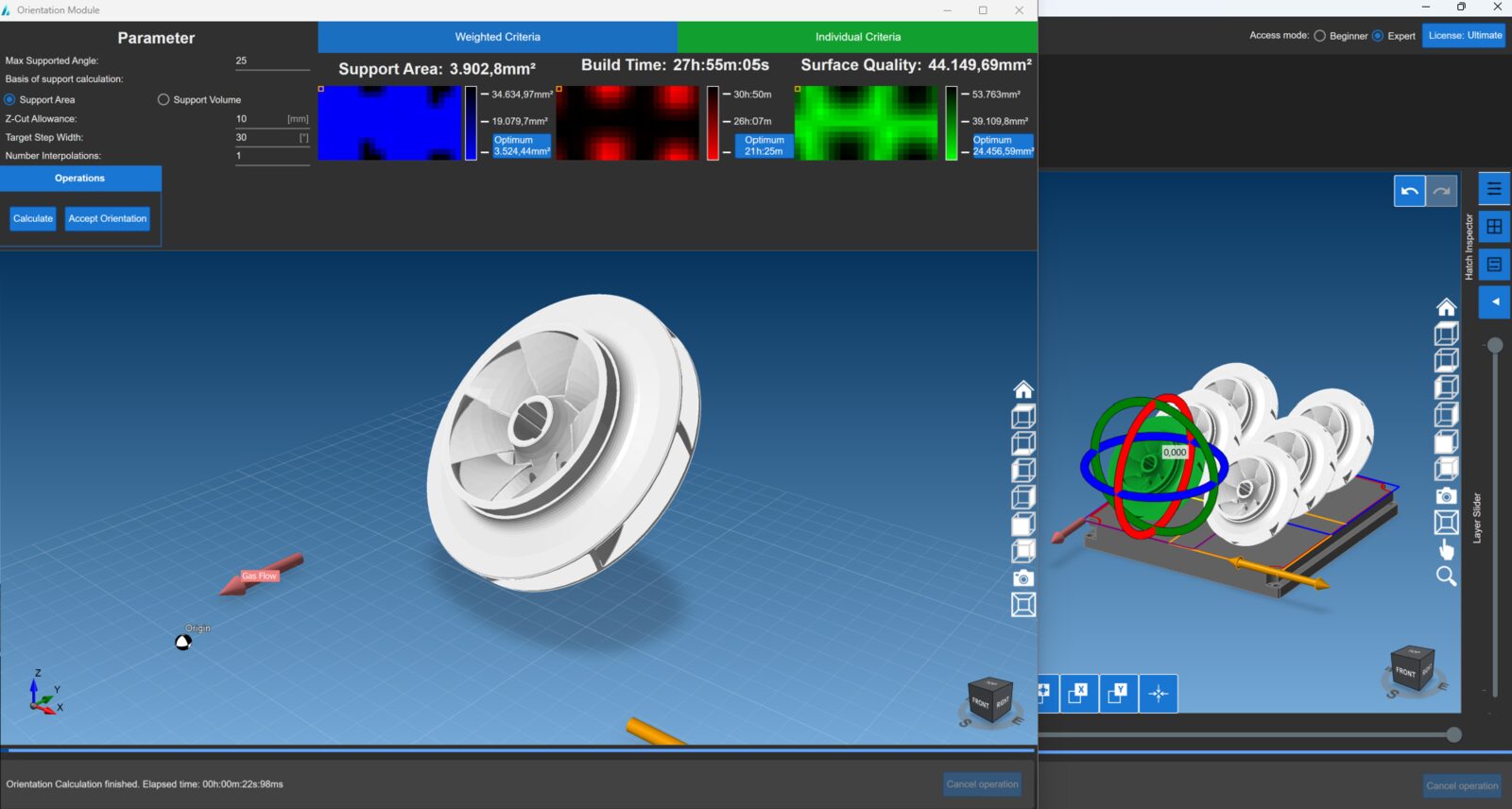
Critical areas found
before the build.
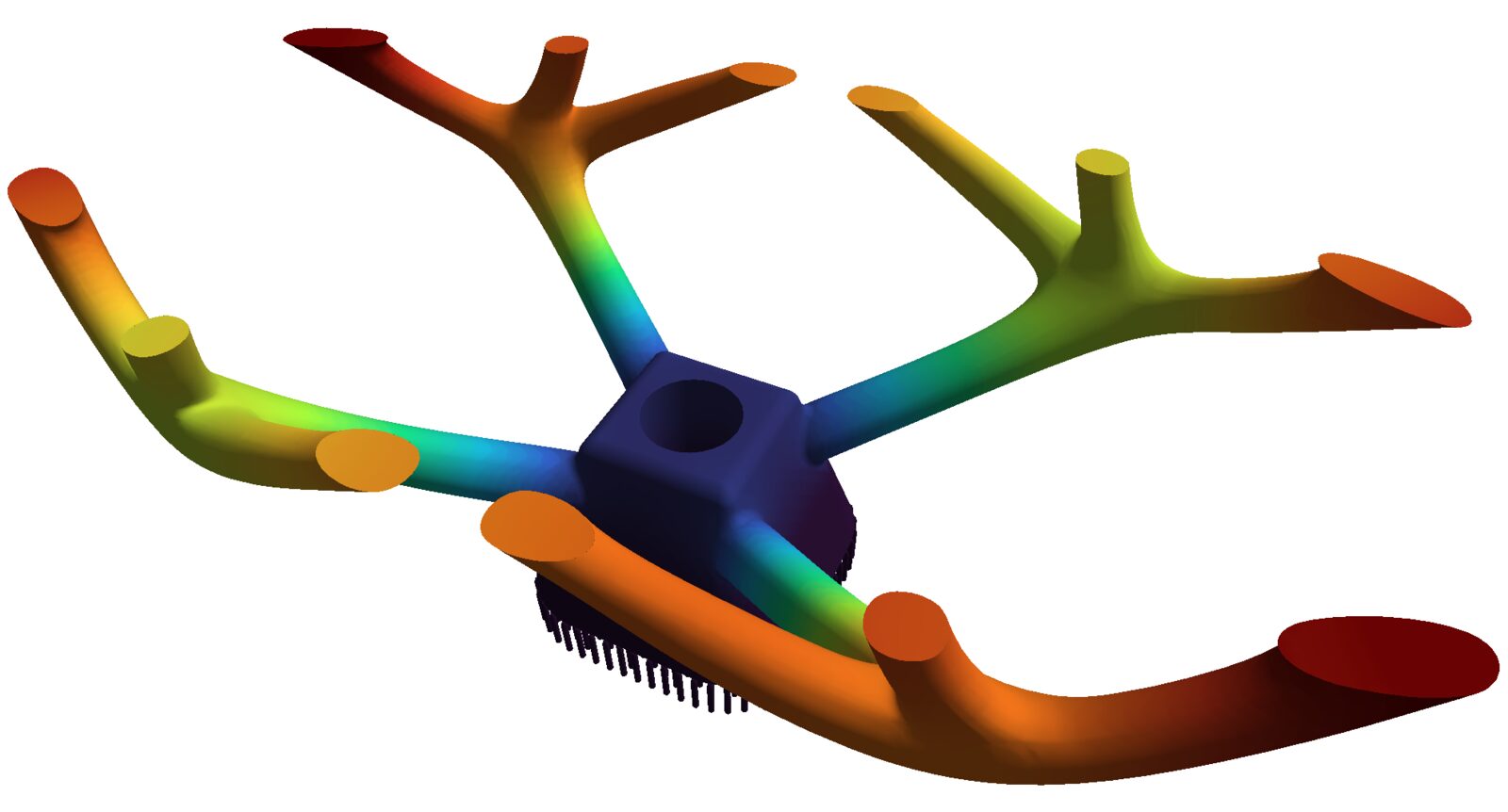
Supports where
the heat needs them.
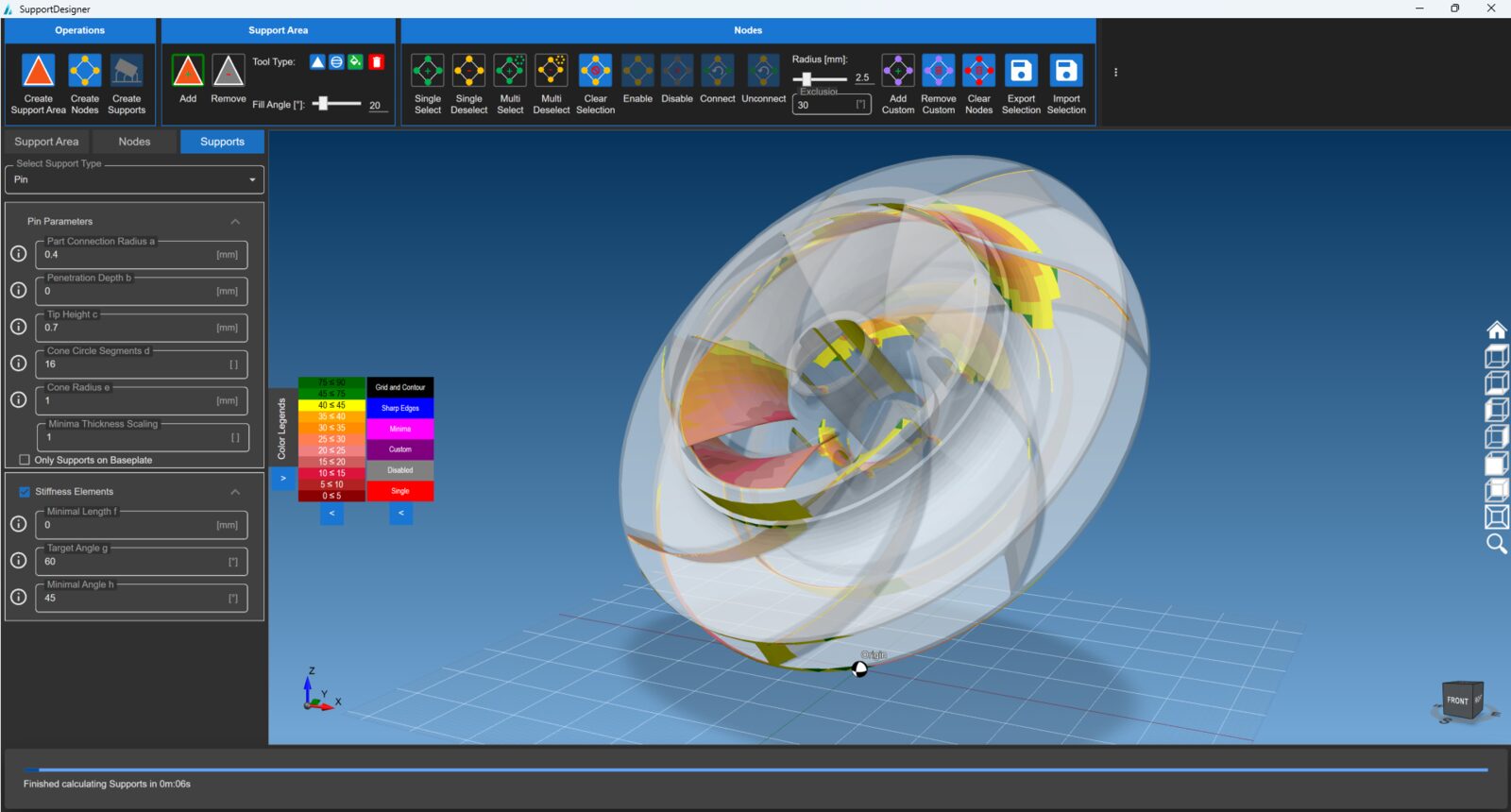
Sixteen seconds.
A whole impeller.
Fast Heat Simulation predicts heat build-up across the full part while the build is still data.
16 s
impeller, IN718
625
layers simulated
82 s
complete build job
What the Build Engine does.
See heat accumulation before printing. Full-part thermal prediction in seconds.
Identify critical areas early. Overheating intensity and extent, layer by layer.
Decide with data. Orientation, supports and strategy chosen from simulation rather than from experience.
Which GENESIS is right for you?
Print Suite
For AM teams preparing build jobs.
- Desktop application
- Build Engine with Fast Heat Simulation
- Smart Hatching add-on
- Power Control add-on
API
For machine builders and automated pipelines.
- An interface — no desktop in the loop
- The same simulation core
- Simulation-based strategy generation
- Calibrated per machine in two build jobs
The modules inside the Print Suite
Frequently asked questions
How can a simulation be that fast?
It is not built to produce a full FEM result. It is built to identify overheated regions reliably and derive a strategy from them — which is orders of magnitude faster than FEM-based thermal simulation.
Does it replace FEM simulation?
No, and it is not meant to. The point is a prediction fast enough to run on every build job.
What do I see as a result?
A thermal map of the part showing the intensity and extent of critical areas — the basis for orientation, supports and exposure strategy.
Ready to get started?